NUVIO
Reimagining PDF workflows around privacy, simplicity and control.
A privacy-first PDF workspace designed to make everyday document work simpler while keeping files on the user's device.
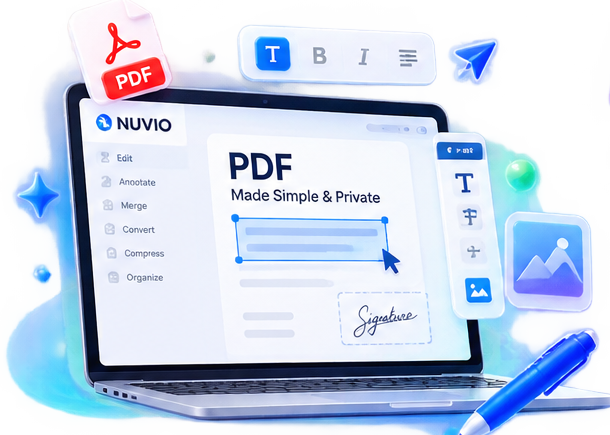




The PDF problem isn't PDFs.
It's fragmented workflows, complexity and trust.
Working with documents today forces users across dozens of disconnected single-purpose web utilities.
Instant zero-upload ingestion straight into local browser sandbox.
In-place text adjustments, stamps, and signatures on one canvas.
Deterministic visual feedback matching canonical document structure.
Clean vector output generated locally without cloud latency or risk.
FRAGMENTED
Different tools for different PDF tasks. Converting, signing, and editing live in disconnected silos.
COMPLEX
Upload → process → download → repeat. Each minor adjustment demands a full download cycle.
TRUST
Sensitive documents often leave the user's device, creating continuous data anxiety.
What if working with PDFs felt like using a modern productivity app?
Moving from disjointed utility hopping to a fluid, continuous editing lifecycle.
OPEN
Instant local ingestion straight into memory without upload wait.
EDIT
In-place typographical edits, signatures, and markups without tool hopping.
VALIDATE
Real-time preview synchronized deterministically with the document model.
EXPORT
Clean, high-fidelity vector output generated locally without server latency.
One unified workspace. Seven document capabilities.
Consolidating essential document operations into one intuitive interface.
Consolidated Operations Around a Unified Canvas
Rather than treating editing, merging, and compression as isolated destinations, all operations anchor to the single underlying document representation.
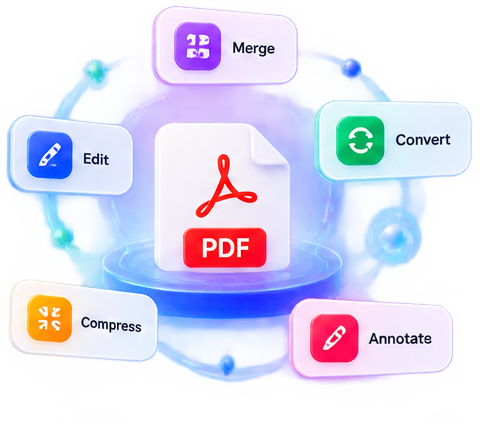
Change content directly inside the document.

Bring multiple PDFs together.
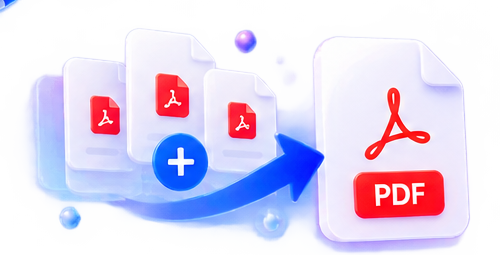
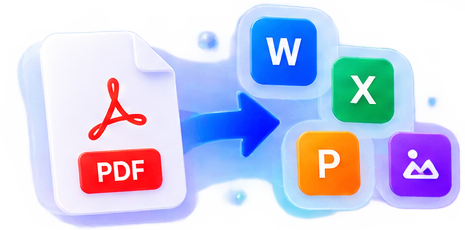
Move documents into editable formats.
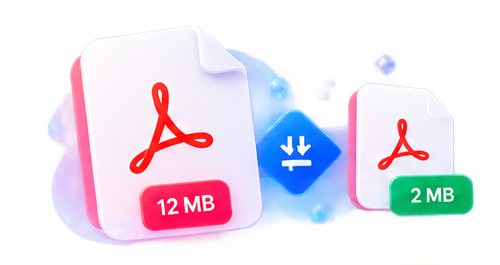
Reduce file size without another tool.
Add highlights, marks, and notes.
Place verifiable signatures directly.
Reorder, rotate, and extract pages.
Privacy isn't a setting. It's part of the product.
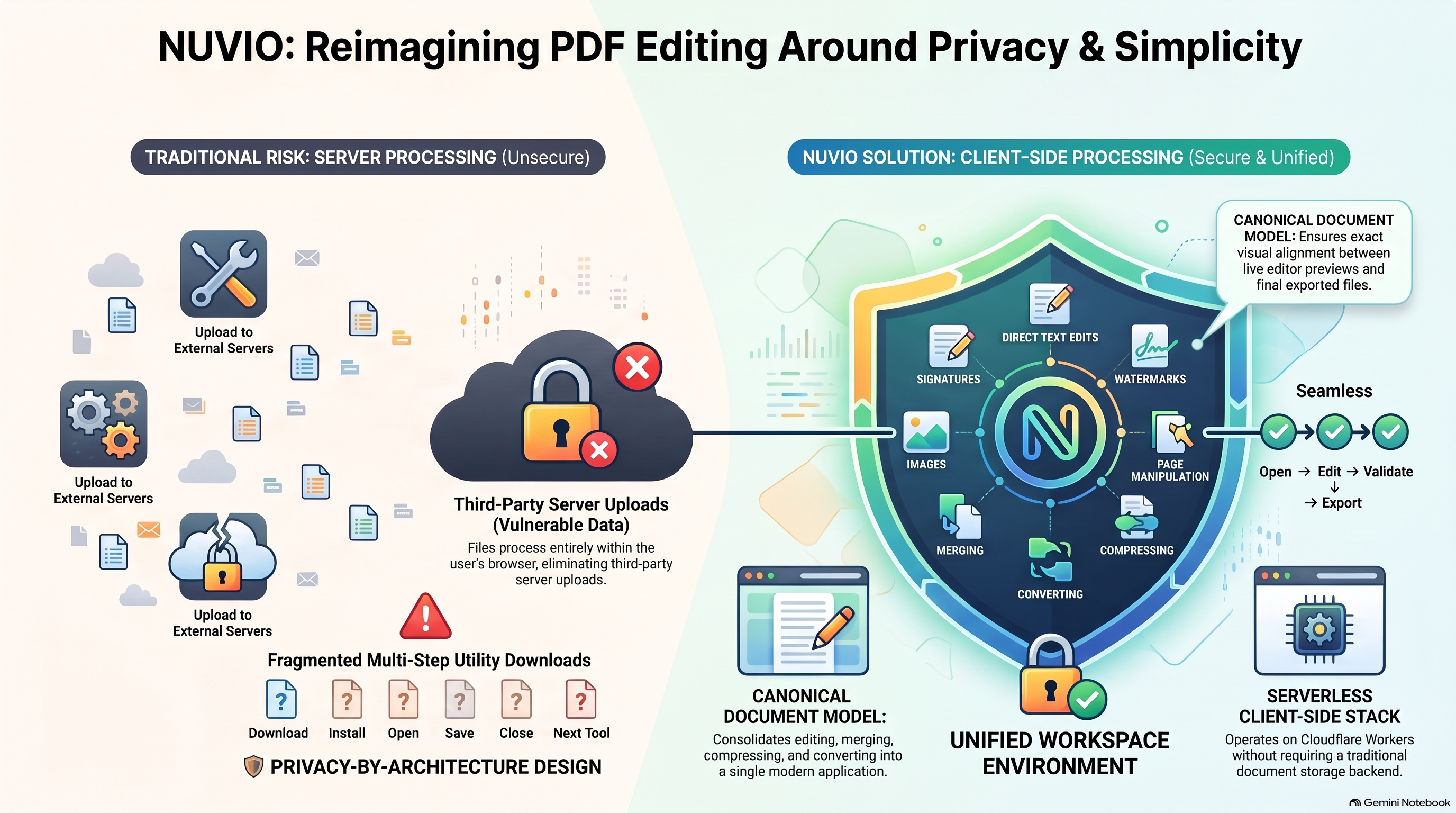
NUVIO is designed around client-side document processing, reducing the need to send sensitive files to a server.
Remote Server Queue
Sensitive documents leave the local device, travel over public networks, queue on cloud infrastructure, and risk unintended retention or server inspection.
In-Memory Device Sandbox
Documents stay strictly inside the local device sandbox. Ingestion, glyph rendering, manipulation, and vector export execute entirely in local memory.
From problem to product.
A deliberate product decision framework connecting user frustration to production execution.
PROBLEM
PDF workflows are fragmented and force users onto untrusted servers.
HYPOTHESIS
One workspace + local processing = simpler, more trustworthy workflow.
MVP
Prioritize the highest-value document tasks — direct in-place editing first.
ITERATE
Build → test → diagnose → improve based on real-world document edge cases.
Scoping for defensibility, not easy vanity features.
Why we built the hardest core editor first instead of quick utility wrappers.
In-Place Visual PDF Editor
The hardest technical moat: direct in-place manipulation preserving exact coordinate geometry upon export.
Multi-Tool Suite
High daily utility actions that become straightforward transformations once document state is stable.
Guides & Templates
Interactive workflow playbooks and pre-configured templates accelerating day-one value.
Making a PDF editor that actually edits PDFs.
The superficial overlay trap versus authentic document mutation.
Cosmetic Surface Overlay
Deterministic Document Mutation
One document state powers both editing and export.
A single source of truth ensuring what you see in the workspace is exactly what appears in the exported file.
Single unified state holding text, vector coordinates, fonts, and annotations
Instant visual feedback for user edits
Pixel-accurate downstream document
No desynchronization between what is rendered on screen and what is written to the document.
Edits maintain exact mathematical placement across zoom levels, window resizing, and re-export.
Original layers, font metrics, and document bookmarks remain preserved rather than flattened.
Six atomic primitives that make up the editing canvas.
Every annotation, edit, and markup is modeled as a deterministic document object.
In-place typographical edits preserving exact font styling and bounding boxes.
Four real-world problems that emerged during development.
Building client-side document software requires solving four distinct challenges.
PDF EDITING
Existing PDF content is fundamentally harder to modify than a normal document. PDFs are Cartesian coordinate placements, not reflowable paragraphs.
PREVIEW → EXPORT
What users see must survive export. Text sizing, line breaks, and object positions must match at 100% precision.
PERFORMANCE
Document processing needs to remain usable in the browser. Handling multi-page files without memory spikes.
PRODUCTION
Real-world deployment exposed issues that required diagnosis beyond the initial error message.
Debugging in production: When "Failed to load PDF" isn't the whole story.
How structured investigation uncovered the real root cause behind a deceptive error message.
Error banner: "Failed to load PDF". The document opened fine in desktop viewers but stalled in the web workspace.
Shipping is part of the product.
Production verification uncovered routing and document-loading issues that required architectural fixes.
From disjointed PDF utilities to a privacy-first document workspace.
NUVIO evolved from a collection of PDF utilities into a defined privacy-first document workspace.
Unified PDF Workflow
One workspace replacing fragmented multi-tab utility hopping.
Client-Side Processing
100% in-browser document sandbox with zero external server upload.
Visual In-Place Editing
Direct typographical modification synchronized with export.
Production MVP
Usable, verifiable document pipeline running in real environments.
Focusing on core engineering stability and user feedback rather than artificial vanity metrics.
Where NUVIO is going next.
Clear demarcation between what is live today, what is actively being built, and future research.
- ✓Core PDF workflow (Open, Edit, Validate, Export)
- ✓In-place text modifications & annotations
- ✓Document merge, split, and compression
- ✓100% Client-side local processing
- ✓Better multi-page visual drag-and-drop organize
- ✓Expanded typography controls & font matching
- ✓Form field fill-and-sign workflows
- ✓Undo/redo historical timeline state
- ✓On-device local AI document summarization
- ✓Smart automated redaction of sensitive data
- ✓Offline Optical Character Recognition (OCR)
- ✓Intelligent multi-document comparison & diffing
Four core lessons from building NUVIO.
"Architecture can be a product decision."
Choosing client-side processing was not just a technical choice — it became the primary value proposition, delivering speed and privacy without recurring server costs.
"Export is part of the editing experience."
If the exported document does not match the workspace canvas down to the millimeter, the editor has failed — regardless of how sleek the UI appears.
"Error messages are clues, not always root causes."
Surface errors often mask asynchronous timing discrepancies or format nuances. Diagnosing the entire pipeline is essential for durable reliability.
"Good UX hides complexity without hiding capability."
The PDF format has three decades of geometric quirks. A good product insulates the user from coordinates and matrix math while giving them total creative control.
Complex technology. Simple experience.
NUVIO is currently being designed and built as an independent product exploration.